Email Marketing in 2026: How to Land in the Inbox, Not the Spam Folder
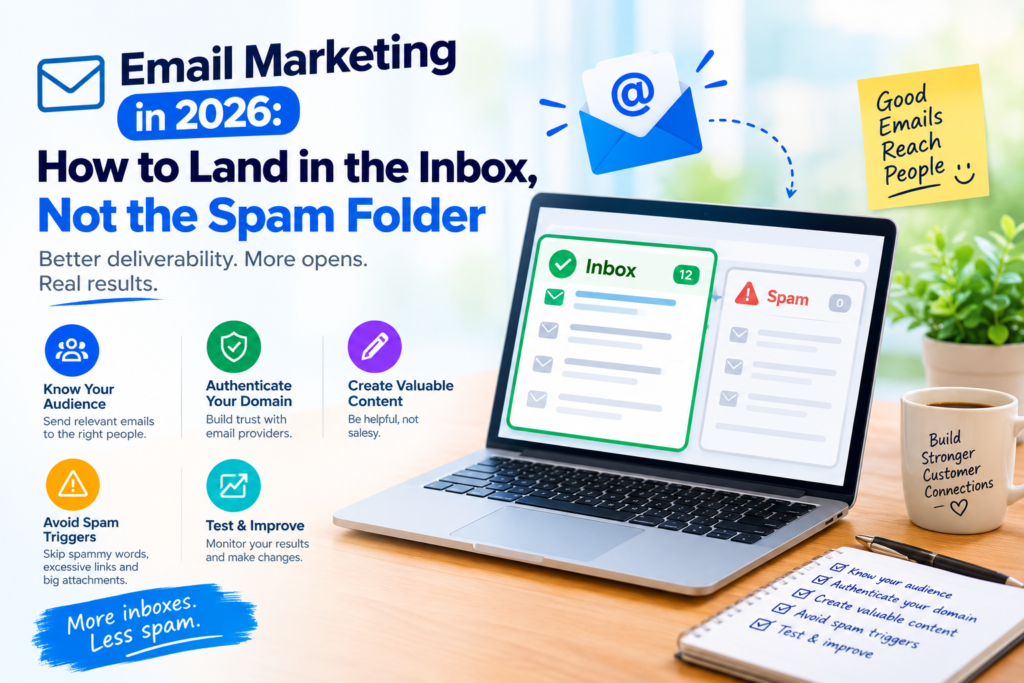
Picture this: you spend an afternoon on a campaign. The subject line is sharp, the offer is good, and the design looks great. You hit send, and nothing happens. Your audience never got the email.
That risk is bigger in 2026 than it used to be. Mailbox providers once quietly dropped questionable mail into the spam folder. Now they’re stricter. Since November 2025, Gmail rejects non-compliant mail outright with 550 errors instead of deferring it, so the message bounces and never even reaches spam.
That sounds scary, but most of it comes down to a handful of settings and habits. Let’s go through them.
So what actually changed?
Gmail, Yahoo, and Outlook have landed on pretty similar rules. That’s good news, because if you get set up properly once, you’re mostly covered everywhere.
A “bulk sender” is anyone sending 5,000 or more emails a day to Gmail or Yahoo addresses, counted per sending domain. Yahoo is vaguer about who counts. Microsoft has joined in too: it requires SPF, DKIM, and DMARC alignment from senders of 5,000+ messages a day, with enforcement starting May 5, 2025.
If you send far less than that, follow the rules anyway. Providers start forming opinions about you long before you hit any threshold, and building good habits now is much easier than repairing a bad reputation later.
The technical stuff (it's less painful than it sounds)
Authenticate your domain. Think of it as three pieces of proof that your email really comes from you.
- SPF is a guest list of the servers allowed to send for your domain.
- DKIM is a wax seal showing the message wasn’t tampered with.
- DMARC is your instruction to receiving servers about what to do when the first two fail.
Google expects bulk senders to publish a DMARC policy. Starting at “p=none” is fine. Just plan to move toward “p=quarantine” or “p=reject” over time.
Check your alignment. This is the one people miss. Passing SPF and DKIM isn’t enough by itself, because the From address your subscribers see has to match one of them. If it doesn’t, DMARC fails. The fix is usually simple: set up a custom sending domain inside your email platform.
Make leaving easy. Gmail and Yahoo require one-click unsubscribe (RFC 8058) for bulk marketing mail. Most platforms add it automatically, but take two minutes to confirm it’s switched on. It’s also your best protection against spam complaints. If someone can’t find the unsubscribe link, guess which button they’ll press instead.
Clean your list. Remove hard bounces right away. If someone hasn’t opened or clicked in six to twelve months, try one last re-engagement email, then let them go. And never buy a list. It’s tempting, and it always backfires.
Warm up slowly and keep an eye on things. With a new domain or IP, start small and send to your most engaged people first. Then build up gradually. For monitoring, use Google Postmaster Tools. Google retired the old dashboard in October 2025 and launched Postmaster Tools v2, which means the old High/Medium/Low reputation scores are gone. If a tutorial mentions them, it’s out of date.
Your quick checklist:
- SPF, DKIM, and DMARC are published and passing
- Your From domain is aligned
- One-click unsubscribe is on
- Postmaster Tools v2 is set up
The one number worth watching
Your spam complaint rate is the share of recipients who hit “Report spam” on your emails. Aim to stay under 0.1%, which is about one complaint per 1,000 emails. The hard limit is 0.3%, and some analysts treat 0.08% as the safe line.
The stretch between 0.1% and 0.3% is where people get into trouble. You haven’t fallen off the cliff, but your reputation can slip long before anyone enforces anything.
Most complaints come from a few predictable places: people who don’t remember signing up, emails that arrive more often than promised, content that doesn’t match what was advertised, and unsubscribe links that are hard to find. So:
- Tell people at signup what you’ll send and how often.
- Make unsubscribing easier than reporting you.
- Offer a preference center so people can ask for fewer emails instead of leaving entirely.
- Stop emailing people who’ve stopped caring.
Personalization that doesn't feel weird
Slapping “Hi [First Name]” on an email stopped impressing anyone a long time ago. People now expect emails that reflect what they’ve actually done and what they’ve told you.
Start with behavior. A few segments cover a lot of ground:
- New subscribers get a welcome series with your best stuff.
- Browsers who didn’t buy get a reminder with the item they looked at.
- Recent customers get usage tips or a friendly review request.
- Repeat buyers get a reorder nudge timed to how long the product lasts.
- Cooling subscribers get a “still interested?” note with a chance to update their preferences.
Ask, don’t guess. With tracking on the decline, the best data is what people tell you themselves. Short signup questions, a quick quiz, or a preference center will teach you more than any inferred profile, and people appreciate being asked.
Use AI, but read what it writes. It’s great for testing subject line variations, picking send times, and building dynamic content. But if the copy sounds like a robot wrote it, readers tune out, and low engagement eventually hurts your deliverability. Give everything a human edit.
Try the surprise test. Before using a personal detail, ask yourself whether the reader would be surprised you know it. Mentioning a product they viewed on your site? Expected. Mentioning something they never did on your platform? That’s creepy, and it leads to unsubscribes and complaints.
Little habits that keep you out of spam
Authentication gets you through the door. Your content and sending behavior decide where you land once you’re inside.
- Make sure your subject line matches what’s in the email, and skip the fake urgency and fake “Re:” tricks.
- Mix text and images, and always include a plain-text version.
- Keep your HTML clean, your links working, and avoid link shorteners.
- Use the same From name and address every time, so people recognize you.
- Send on a steady rhythm. Sudden spikes in volume look suspicious.
- Preview your emails and test inbox placement before big campaigns.
Metrics worth your attention
Open rates aren’t as trustworthy as they used to be, since privacy features can pre-load emails and inflate the numbers. Look at clicks, conversions, revenue per email, and replies instead. Then keep an eye on complaint, bounce, and unsubscribe rates as your health check. Review them once a month, and if complaints start creeping up, pause and figure out why before you send anything else.
Quick answers to common questions
What counts as a bulk sender?
Sending 5,000 or more emails a day to personal Gmail addresses, and once you’re in that category, you stay there. Yahoo doesn’t publish a number, so if you send a meaningful volume, assume the rules apply to you.
What’s a good spam complaint rate?
Under 0.1%. Never reach 0.3%.
Do I need DMARC if I send small volumes?
Not strictly, but it’s a smart move. It protects your domain from being spoofed, sends you reports on who’s using your name, and gets you ready for growth. Starting with “p=none” is low risk.
Do transactional emails count?
They’re exempt from the one-click unsubscribe requirement, but both marketing and transactional emails count toward the 5,000-a-day threshold.
The bottom line
Email is still one of the best channels in digital marketing, but getting into the inbox takes more care than it used to. The good news is that the basics haven’t changed: send things people asked for, make them relevant, and respect their choices. Set up your authentication, keep complaints low, personalize with permission, and pay attention to the right numbers.
Start small. Turning on one-click unsubscribe or cleaning out dead contacts can make a real difference. Then check your setup against the list above this week, and you’ll be ahead of most senders.